- Before You Start Checklist
- Step 1: Test Your Internet Speed
- Step 2: Improve Wi-Fi Signal or Switch to Ethernet
- Step 3: Clear App Cache and Storage
- Clearing Cache on Firestick
- Clearing Cache on Samsung and LG TVs
- Step 4: Update Your App and Device Firmware
- Step 5: Check Server Availability and Contact Your Provider
- Common Mistakes to Avoid
- Frequently Asked Questions
- Why does my stream buffer only during evening peak hours?
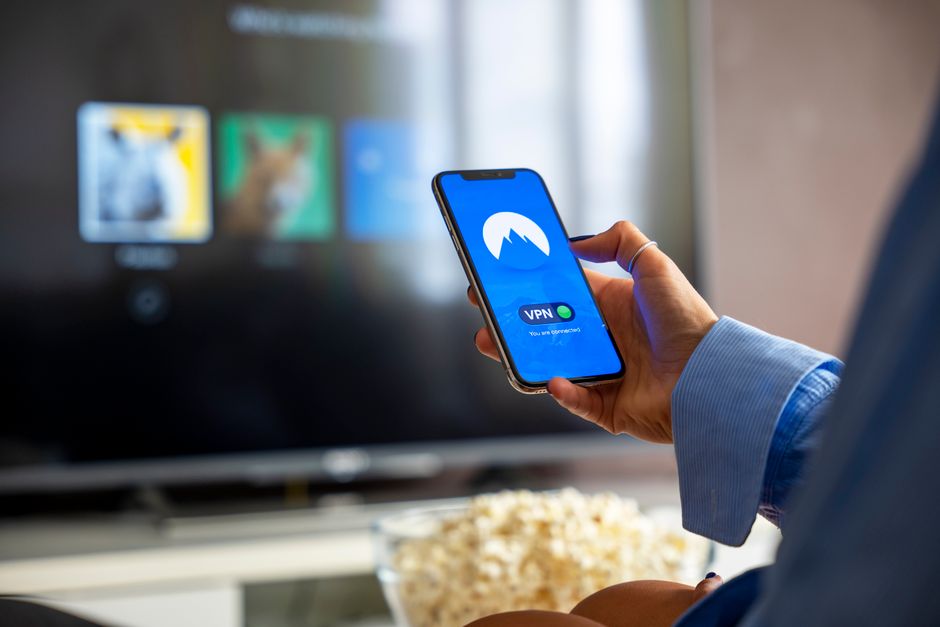
- Will a VPN fix my lagging streams?
Few things ruin a live football match faster than your screen freezing right before a penalty. If you are experiencing frequent stalls while trying to stream live TV, dealing with IPTV buffering UK issues can test your patience. Buffering usually happens when your internet connection cannot download data fast enough to keep up with the live broadcast.
Short answer: You can usually fix lag by restarting your router, clearing your app cache, or switching from Wi-Fi to an Ethernet cable. Most playback hiccups trace back to local network congestion or weak wireless signals in British homes.
Before You Start Checklist
Before you dive into deeper technical settings, run through this quick physical checklist around your living room:
- Check if other devices in your house are downloading large files.
- Look at your streaming device to ensure it is plugged firmly into power.
- Verify your subscription status is active directly with your official provider.
- Check if your broadband provider is experiencing local maintenance in your neighbourhood.
Step 1: Test Your Internet Speed
Run a speed test on your phone or TV. You need a stable connection of at least 15 to 25 Mbps for high-definition streaming. If your broadband falls short, your streams will stutter.
Step 2: Improve Wi-Fi Signal or Switch to Ethernet
Wireless interference is a major cause of video lag. Thick brick walls in older UK houses block router signals easily. Move your router closer to your television, or use a wired Ethernet cable for a rock-solid connection.
Step 3: Clear App Cache and Storage
Streaming apps collect temporary files that slow them down over time. Go to your device settings, find your installed media player, and clear its cache. This frees up memory and stops stuttering.
Clearing Cache on Firestick
Head to your Firestick settings, select applications, manage installed applications, find your player app, and select clear cache.
Clearing Cache on Samsung and LG TVs
Smart TV operating systems handle memory differently. Restarting the television completely by unplugging it for 60 seconds often clears temporary app memory.
Step 4: Update Your App and Device Firmware
Running outdated software causes compatibility bugs. Check your app store for any available updates for your media player. Also, check your television or Firestick system settings for firmware updates.
Step 5: Check Server Availability and Contact Your Provider
Sometimes the problem isn’t on your end at all. If your internet is fast and your device is updated, the streaming server might be overloaded. Reach out to your provider’s customer support to ask if they are experiencing wider network outages.
Common Mistakes to Avoid
Don’t panic and factory reset your entire television right away. Avoid downloading unverified third-party speed booster apps from unknown sources, as these often contain adware or slow your device down further. Keep your troubleshooting steps simple and systematic.
Frequently Asked Questions
Why does my stream buffer only during evening peak hours?
Evening peak hours put heavy strain on local neighbourhood broadband cabinets. Your internet service provider might be throttling traffic during these busy periods.
Will a VPN fix my lagging streams?
Virtual private networks often slow down your connection speeds rather than speeding them up, which can actually increase video lag.
For more information, iptv.
Related reading
- Fire TV Stick vs Apple TV: Choosing the Right Official Streaming Hardware for UK IPTV
- Choosing Legal Sports IPTV UK Packages for Match Days
Update: What to Expect from an IPTV Subscription UK: Setup, Requirements and Everyday Use
Update: Buying Legal Sports IPTV UK Packages: A Fan's Checklist


