
- Choosing the Right Hardware for Official Streaming
- Operating Systems and App Availability
- Device Comparison Table
- Performance, Storage, and Network Speed
- Remote Controls and Voice Assistants
- Understanding Audio and Visual Formats for Live Broadcasts
- Pros and Cons
- Amazon Fire TV Stick 4K Max
- Apple TV 4K
- Setup Guidance and Compatibility Notes
- Frequently Asked Questions
- Can I install any IPTV app on an Apple TV?
- Do I need a 4K TV to use these devices?
- Does the Fire TV Stick require a monthly fee?
- Which device offers better Wi-Fi stability?
- Are these devices legal to use in the UK?
- Can I control smart home devices with the Fire remote?
- How much storage do I need for IPTV apps?
- Will my remote control my TV's volume?
Choosing the Right Hardware for Official Streaming
Getting live television over the internet works differently depending on the hardware plugged into your telly. IPTV is simply a technology used to deliver broadcast signals through your broadband connection rather than a traditional aerial or dish. But whether those streams run smoothly comes down to the processor and operating system inside your box. Two popular routes for British viewers involve Amazon’s budget-friendly sticks and Apple’s premium media hubs. Both handle official broadcast apps, yet they approach user experience from opposite ends of the market.
Operating Systems and App Availability
Amazon runs Fire OS, which sits on top of Android. You’ll find most major UK catch-up and live apps in the Amazon Appstore, including BBC iPlayer, ITVX, Channel 4, and Sky Go. Apple TV uses tvOS. It offers a clean, ad-free interface with access to the same major broadcasters via the App Store. Neither platform guarantees every single IPTV service app will be listed. You must always check your provider’s official app requirements before buying hardware.
Device Comparison Table
Here is how the top tiers of both ecosystems stack up for legal UK IPTV usage:
- Operating System: Fire TV Stick 4K Max runs Fire OS; Apple TV 4K runs tvOS.
- App Availability: Both support major UK official broadcasters, but third-party app stores vary.
- 4K and HDR Support: Both offer Dolby Vision, HDR10+, and 4K resolution.
- Network Options: Fire sticks rely mostly on Wi-Fi 6; Apple TV 4K has an Ethernet port on the 128GB model.
- Storage: Amazon offers 16GB; Apple provides up to 128GB.
Performance, Storage, and Network Speed
Live streams demand stable bandwidth to avoid stuttering during peak football matches. Apple TV 4K packs the powerful A15 Bionic chip. It switches between menus instantly and handles high-bitrate feeds without breaking a sweat. The top-end Fire TV Stick 4K Max runs on a capable quad-core processor that handles everyday tasks well, though it occasionally stutters when multitasking heavily. If your Wi-Fi router sits far from your living room, you might want to look into getting the best streaming device for IPTV beginners which offers robust wireless connectivity.
Remote Controls and Voice Assistants
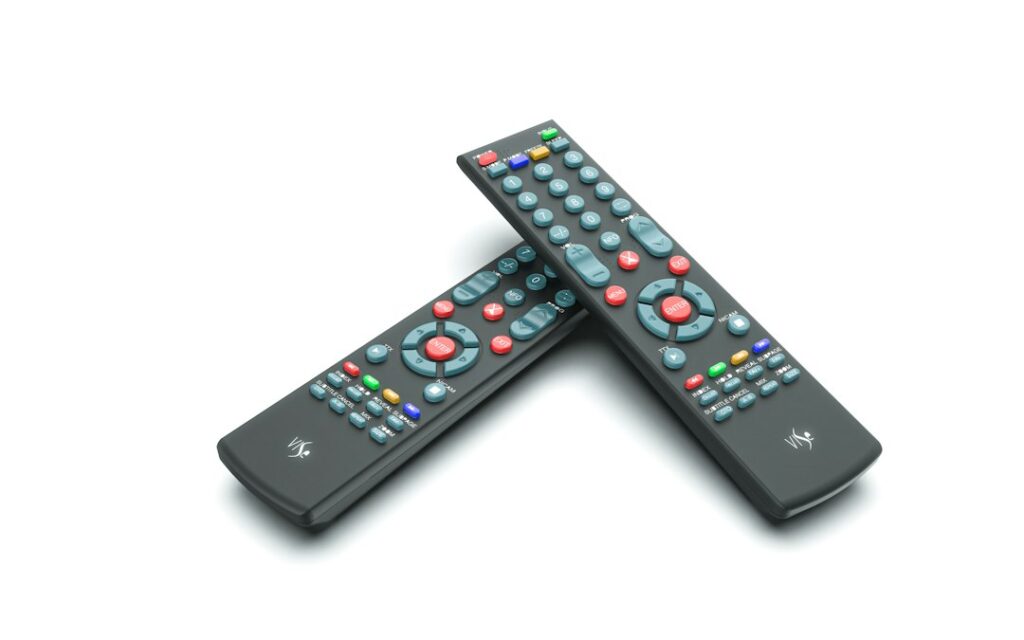
Amazon bundles an Alexa voice remote with dedicated buttons for streaming apps. It feels light in the hand and gets the job done. Apple’s Siri Remote uses a touch-sensitive clickpad and an aluminium build that feels much sturdier. Siri handles searches well across UK platforms, though Alexa integrates deeper into smart home setups if you use smart plugs or bulbs.
Understanding Audio and Visual Formats for Live Broadcasts
Modern live television is evolving beyond standard high definition, with major sports fixtures and special events increasingly broadcast in 4K resolution accompanied by advanced spatial audio formats. When evaluating hardware, it is vital to understand how well each device decodes these heavy data streams in real time. The Apple TV 4K excels in audio-visual synchronization, offering full support for Dolby Atmos soundtracks which are becoming standard for premium sports and cinematic events on platforms like Sky Go and TNT Sports. Meanwhile, the Fire TV Stick 4K Max also supports Dolby Atmos and HDR formats, but its lower memory bandwidth can occasionally lead to minor buffering hiccups when switching rapidly between high-framerate sports channels and standard definition menus. Ensuring your television and soundbar match the output capabilities of your chosen streaming box will dramatically improve your overall viewing immersion, turning your living room into a true home cinema setup without requiring a complicated separate cable box or satellite dish receiver.
Pros and Cons
Amazon Fire TV Stick 4K Max
Pros: Affordable price point, frequent sales, compact form factor, extensive app selection.
Cons: Interface features heavy promotional ads, less internal storage.
Apple TV 4K
Pros: Zero ads on the home screen, premium build quality, robust ethernet port option, fast processor.
Cons: Significantly higher upfront cost, remote takes time to master.
Setup Guidance and Compatibility Notes
Plug either device into a spare HDMI port and connect it to power. Follow the on-screen prompts to sign in with your Amazon or Apple account. Remember that the legality of any stream depends entirely on the service provider holding the correct broadcasting rights in the UK. For a deeper look at alternative hardware configurations, check out this guide on choosing official IPTV hardware in the UK to ensure compliance with local broadcasting standards.
Frequently Asked Questions
Can I install any IPTV app on an Apple TV?
No. You can only download apps that are officially approved and listed on the tvOS App Store.
Do I need a 4K TV to use these devices?
No. Both units work with standard 1080p high-definition televisions by scaling the output automatically.
Does the Fire TV Stick require a monthly fee?
The hardware itself requires no subscription, though individual content providers may charge for their services.
Which device offers better Wi-Fi stability?
Apple TV 4K includes Wi-Fi 6 and an Ethernet port on the higher-end model, making wired connections much easier.
Are these devices legal to use in the UK?
Yes. Both Fire TV devices and Apple TV are completely legal hardware products sold by major retailers.
Can I control smart home devices with the Fire remote?
Yes. Alexa integration lets you control compatible lights, heating, and smart plugs directly.
How much storage do I need for IPTV apps?
Official streaming apps take up very little space, so the base storage on either device is plenty.
Will my remote control my TV’s volume?
Both remotes include infrared emitters to control power and volume on most modern television sets.
For more information, iptv.
Related reading
- Choosing Legal Sports IPTV UK Packages for Match Days
- How to Fix IPTV Audio Out of Sync on UK Smart TVs and Firestick
Update: Best Official Streaming Hardware for Legal IPTV in the UK
Update: What to Expect from an IPTV Subscription UK: Setup, Requirements and Everyday Use


