- Roku vs Firestick Operating Systems and App Stores
- Hardware Performance and Remote Controls
- Evaluating Roku vs Firestick IPTV Setup and Playback
- UK Device Comparison Table
- Pros and Cons
- Amazon Fire TV Stick
- Roku Streaming Stick
- Compatibility Notes
- Legal Advice and Broadcasting Rights
- Frequently Asked Questions
- Can I install custom media players on Roku?
- Does Firestick require a monthly fee?
- Which device has better Wi-Fi performance?
- Are UK catch-up apps available on both platforms?
- Can I use a VPN on these devices in the UK?
- Do I need a 4K TV to use these sticks?
- What internet speed do I need for smooth streaming?
Choosing between Roku vs Firestick changes how you watch live television on your living room screen. Internet protocol television, or IPTV, delivers television broadcasts directly through your broadband connection rather than traditional aerials or satellite dishes. If you are new to this technology, you can read more about the basics in What Is IPTV UK? A Complete Beginner’s Guide. But hardware matters just as much as the subscription itself. Amazon and Roku dominate the UK streaming market, yet they approach software and third-party media players differently. Let us look at what separates these popular devices.

Many British households struggle to pick the right gadget. You want smooth playback, a responsive remote, and access to your preferred service provider’s official applications. Let us break down how both ecosystems handle live broadcasting.
Roku vs Firestick Operating Systems and App Stores
Amazon builds its Fire TV devices on a customized version of Android, known as Fire OS. This choice gives users immense flexibility. You can sideload applications via developer options if your provider offers a direct APK file. The Amazon Appstore also hosts a wide range of official media players, electronic programme guide tools, and catch-up services commonly used in the UK, such as BBC iPlayer and ITVX.
Roku operates on its own proprietary Roku OS. It is stable, secure, and notoriously closed. You cannot sideload unauthorized apps or access hidden directories. Roku relies entirely on its official Channel Store. If an IPTV provider lacks an officially approved app inside the Roku store, you cannot install it directly. You must use screen mirroring from a phone or tablet instead, which often introduces lag and stuttering during live sports.
Hardware Performance and Remote Controls
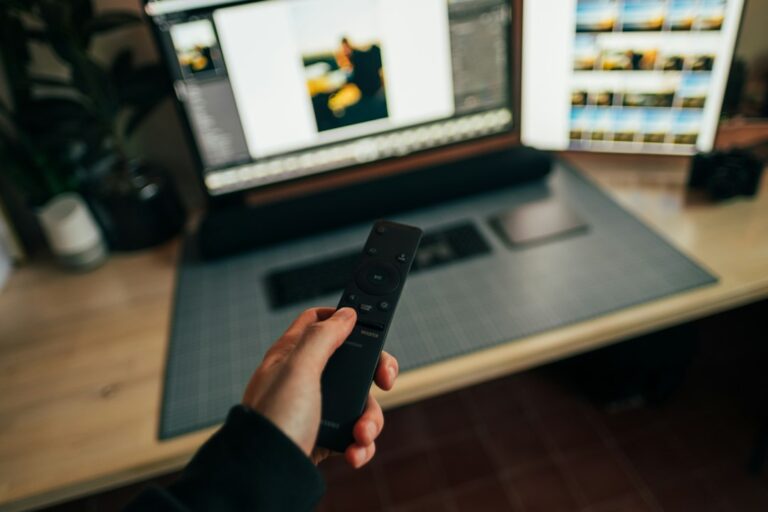
Fire TV devices range from the budget-friendly Fire TV Stick Lite to the powerful Fire TV Cube. Most models handle 4K streaming, HDR10+, and Dolby Atmos audio smoothly. Navigation feels snappy on newer hardware, though budget sticks occasionally stutter when loading heavy media guides. Alexa integration comes built into the standard voice remote, letting you launch apps or search for programmes using spoken commands.
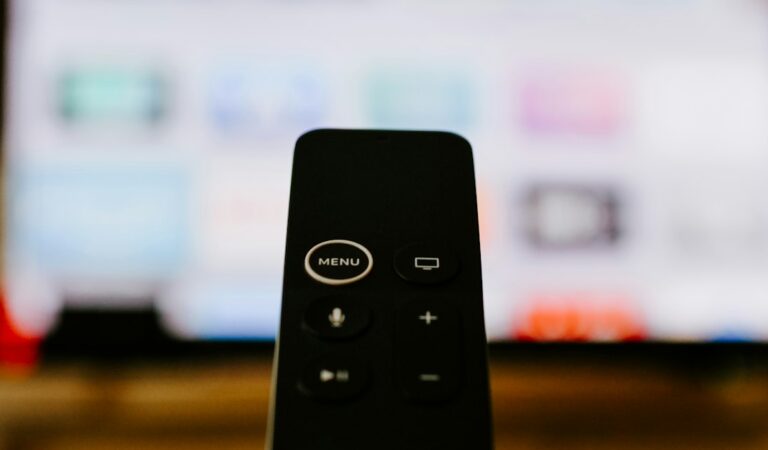
Roku devices follow a similar tiered structure, starting with the Roku Express and moving up to the Roku Streaming Stick 4K. Roku remotes are famously simple. They feature dedicated shortcut buttons for popular subscription services like Netflix and Disney+. However, basic Roku remotes lack hands-free voice control or advanced audio settings found on Amazon’s higher-end hardware. Ethernet adapters require separate purchases for both brands unless you buy the Fire TV Cube.
Evaluating Roku vs Firestick IPTV Setup and Playback
Getting started on a Fire TV Stick usually takes minutes. You log in with your Amazon account, search for your provider’s approved application, enter your credentials, and start watching. Because Fire OS supports a broader variety of media player architectures, buffering issues often come down to your broadband speed rather than platform limitations. Wi-Fi stability on Amazon sticks is generally solid, provided you use a 5GHz router band.
Roku setup is equally straightforward for mainstream apps, but deploying television streams presents hurdles. Because direct playlist loading is restricted on Roku OS, you will spend time configuring alternative casting methods or navigating limited third-party portal apps. If your provider does not have an official Roku channel, your viewing experience becomes frustrating very quickly.
UK Device Comparison Table
| Feature | Amazon Fire TV Stick 4K | Roku Streaming Stick 4K |
|---|---|---|
| Operating System | Fire OS (Android-based) | Roku OS (Proprietary) |
| App Sideloading | Supported (via developer mode) | Not supported |
| 4K & HDR Support | Yes (Dolby Vision, HDR10+) | Yes (Dolby Vision, HDR10+) |
| Voice Assistant | Alexa | Roku Voice / Siri / Google |
| Ethernet Option | Via official adapter | Via official adapter |
Pros and Cons
Amazon Fire TV Stick
- Pros: Excellent app availability, supports sideloading, snappy performance on 4K models, integrated Alexa voice search.
- Cons: User interface features heavy sponsored content, occasional software updates alter the home screen layout.
Roku Streaming Stick
- Pros: Clean and neutral user interface, simple remote control, reliable system stability with minimal crashes.
- Cons: Highly restrictive app store, lacks sideloading capabilities, poor native support for custom media portals.
Compatibility Notes
Never assume that every streaming gadget runs every broadcast app. Software availability changes as developers update their platforms. Always check your service provider’s official guidance and the device app store before purchasing hardware. Smart TVs from Samsung and LG run their own operating systems, which also have different limitations compared to dedicated streaming sticks.
Legal Advice and Broadcasting Rights
Internet television technology itself is completely legal. Broadcasters like the BBC and Sky use IPTV protocols every day to stream content to millions of homes. However, the legality of any specific service depends entirely on the provider holding valid distribution rights for the content they broadcast. Ofcom regulates UK communications, and accessing unauthorized streams violates copyright law. Always use officially licensed applications and verified commercial services.
Frequently Asked Questions
Can I install custom media players on Roku?
No. Roku OS is a closed system that does not allow users to install applications outside of the official Roku Channel Store.
Does Firestick require a monthly fee?
Amazon charges nothing to use the Firestick interface, though you need an active Amazon account and subscriptions to individual streaming apps.
Which device has better Wi-Fi performance?
Both devices feature capable wireless chips supporting dual-band Wi-Fi, but real-world performance depends heavily on your home broadband router proximity.
Are UK catch-up apps available on both platforms?
Yes. Mainstream British catch-up services like BBC iPlayer, ITVX, Channel 4, and My5 are fully supported on both Fire OS and Roku OS.
Can I use a VPN on these devices in the UK?
Fire TV sticks support native VPN applications downloaded directly from the Amazon Appstore. Roku devices do not support direct VPN installations, requiring router-level configuration instead.
Do I need a 4K TV to use these sticks?
No. Both 4K and standard HD streaming sticks work perfectly on older high-definition televisions by automatically downscaling the video output.
What internet speed do I need for smooth streaming?
Standard high-definition streams require around 5 to 10 Mbps, while 4K transmissions typically demand a stable connection of 25 Mbps or higher.
For more information, iptv.
Related reading
Update: How to update a legal IPTV app safely
Update: How to Reduce Delay When Watching Live Football Online