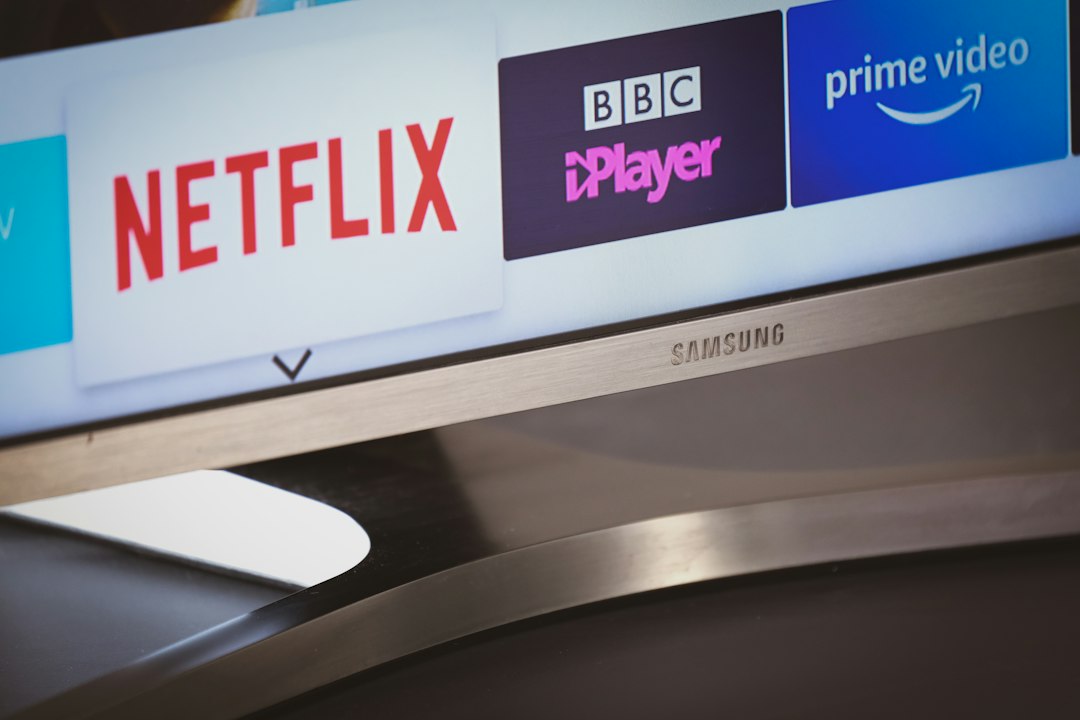
Switching from a traditional satellite box to streaming changes how you browse television schedules. If you use IPTV UK setups, you might notice that channels appear as plain text links until an Electronic Programme Guide steps in to organise everything.

What actually is an EPG on IPTV UK services?
An EPG acts as a digital TV listings magazine. It takes raw data and turns it into a grid on your screen. You see current shows, upcoming movies, and broadcasting times without guessing what is on.
Old-school television networks broadcast this schedule data directly over the airwaves or cables. Modern streaming relies on internet-delivered XMLTV or JTV files instead. These files map out every single channel ID so your media player knows what label matches which stream.
How does an EPG work behind the scenes?
Your streaming player does not magically know what is airing on BBC One right now. It relies on a separate link provided by your supplier. This URL points to a text file that updates constantly.
When you open your app, the software downloads this schedule file in the background. It matches the channel numbers in your playlist with the station IDs listed in the guide data. Time zones matter here. If your server runs on Eastern European Time, your UK schedule might look two hours off until you adjust the time offset in your player settings.
Most popular apps update this information every few hours. Some update automatically upon startup. If your guide looks empty, the software simply has not fetched the latest file yet.
Why does my IPTV UK program guide fail to load?
Broken guides frustrate many viewers. Usually, a missing guide stems from a dead XMLTV link. Providers change their URLs often. When they do, your app loses its connection to the schedule data.
Another common culprit is a mismatch in channel IDs. If your provider changes a station name from ‘BBC One HD’ to ‘BBC One FHD’, the old guide link will not recognise the new ID. You have to manually re-sync or update your playlist.
Internet blocks can also interfere. Major broadband providers regulated by Ofcom sometimes block specific domain addresses associated with streaming lists and guide servers. If your ISP restricts the guide URL, your screen stays blank.
If you run into trouble on Amazon devices, our Firestick EPG setup guide walks through fixing common loading errors step by step.
Can you use a custom EPG source?
Yes. Many advanced streaming applications let you paste your own guide links. You are not forced to use the default one supplied with your package.
Some enthusiasts pull free open-source XMLTV files from independent databases. This workaround helps when a provider has poor internal scheduling data or missing channel logos. You just copy the custom URL, paste it into your player settings alongside your main subscription link, and force a manual refresh.
How to fix lagging or slow guide loading times
A massive guide file slows down cheap streaming hardware. Some lists contain thousands of international channels with seven days of detailed descriptions.
Older TV boxes run out of memory trying to cache all that text. To speed things up, hide unwanted international channels. Limiting your active playlist to UK-only stations shrinks the guide file size drastically. Your app will open faster, and the grid will populate without freezing your device.
For more information, iptv.
Learn more on Wikipedia: ITV (TV network).