- The Speed Myth That Trips Up Viewers
- Understanding Bitrates and Resolution
- Why Wi-Fi Fails Live Video
- Evaluating Your Internet Provider's Traffic Management
- Practical Steps for Better Streaming Performance
- Frequently Asked Questions
- Why does my stream buffer only during weekend football matches?
- Is fibre broadband mandatory for high-definition streams?
- Does VPN usage affect live video playback?
The Speed Myth That Trips Up Viewers
People often assume that grabbing the fastest broadband package solves every streaming issue. Advertisers promise gigabit speeds, so consumers pay top pound. Yet, live television streams demand more than raw download numbers. Packet stability matters far more than peak speed when you use live stream buffering fixes to sort out stuttering playback. Ofcom reports that average UK broadband connections exceed eighty megabits per second in many areas, but a high headline figure doesn’t guarantee a smooth feed.
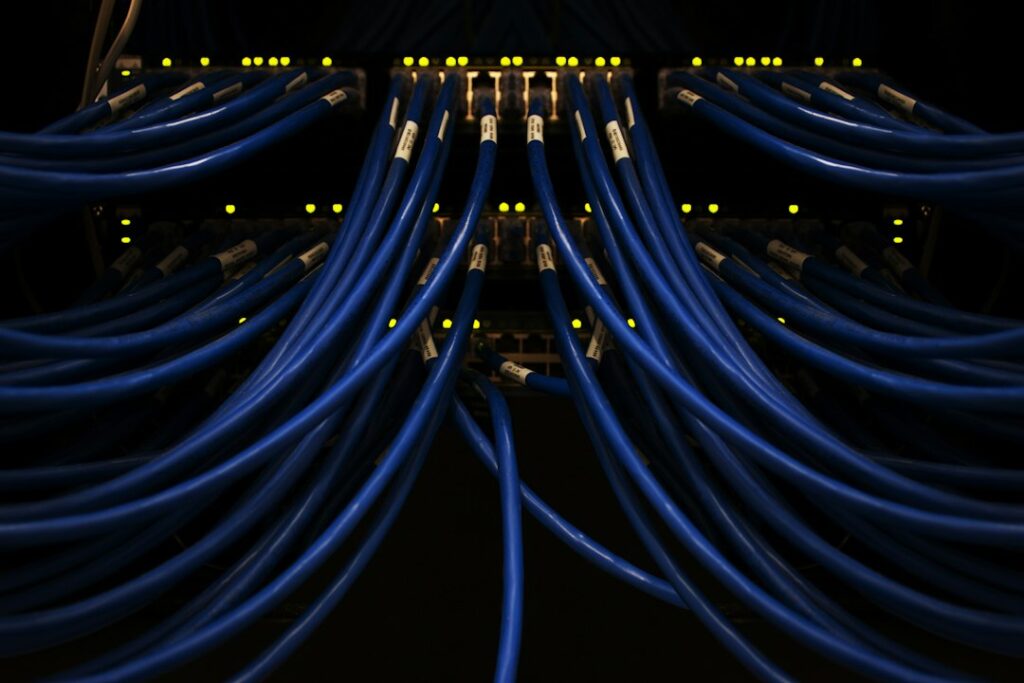
Network congestion during peak evening kick-off times creates bottlenecks. Your internet service provider might throttle specific protocols. Wi-Fi interference from household appliances wrecks packet delivery. Raw bandwidth is just one piece of a complex puzzle.
Understanding Bitrates and Resolution
High-definition feeds require steady data delivery. A standard 1080p stream at fifty frames per second needs around five to eight megabits per second of constant throughput. 4K broadcasts demand double that amount. If your connection dips below these thresholds for even two seconds, the player drops frames or stalls completely.
Buffer bloat occurs when routers queue too many packets. Latency spikes ruin real-time video delivery. Your ping rate matters just as much as your download speed. Wired Ethernet cables beat wireless connections every single time for stability.
Why Wi-Fi Fails Live Video
Radio waves bounce off walls, interfere with microwaves, and share airspace with your neighbours’ routers. Packet loss on Wi-Fi sits around two to five percent on average. Live video protocols hate packet loss. They require continuous, orderly data streams. Dropped packets force the video player to request retransmissions. That extra step introduces visible delays and stutter.
Switching to a wired connection drops packet loss close to zero. Ethernet ports on streaming boxes eliminate interference completely. If running a cable across the lounge isn’t practical, powerline adapters offer a reliable middle ground by using domestic electrical wiring.
Evaluating Your Internet Provider’s Traffic Management
Internet service providers handle traffic differently. Some networks manage peak hours by shaping traffic types. Live video streaming protocols sometimes trigger traffic management policies. Network congestion builds up at local street cabinets during popular weekend fixtures.
Run regular speed tests during actual match times rather than quiet Tuesday mornings. Real-world performance tells the true story of your connection. Check your router settings for Quality of Service options. Prioritising your streaming device gives it network preference over background downloads.
Practical Steps for Better Streaming Performance
Fixing stream stability starts at the physical layer. Unplug your router and streaming stick once a month to clear temporary memory caches. Update your device firmware whenever manufacturers release patches. Check background apps running on your streaming hardware.
Close background tasks to free up RAM. Too many active apps drain system resources and slow down video decoding. Simple maintenance routines keep hardware running smoothly over years of daily use.
Frequently Asked Questions
Why does my stream buffer only during weekend football matches?
Local network congestion causes this issue. Neighbouring households stream high-traffic events at the same time, overloading local street cabinets managed by Openreach or Virgin Media.
Is fibre broadband mandatory for high-definition streams?
Fibre connections provide the stable speeds required for HD feeds. Older copper-based ADSL lines struggle to maintain the consistent bitrates needed for live television broadcasts.
Does VPN usage affect live video playback?
Virtual private networks add routing steps. Encrypting data takes processing power and increases ping times, which sometimes triggers stuttering if server loads run too high.
For more information, iptv.
Learn more on Wikipedia: ITV (TV network).
Related reading
- Choosing the Right Smart TV IPTV Players for Your Living Room Setup
- Firestick Remote Battery Drain: Troubleshooting Tips
Update: Best legal IPTV for football fans in the UK
Update: Best IPTV devices for UK users