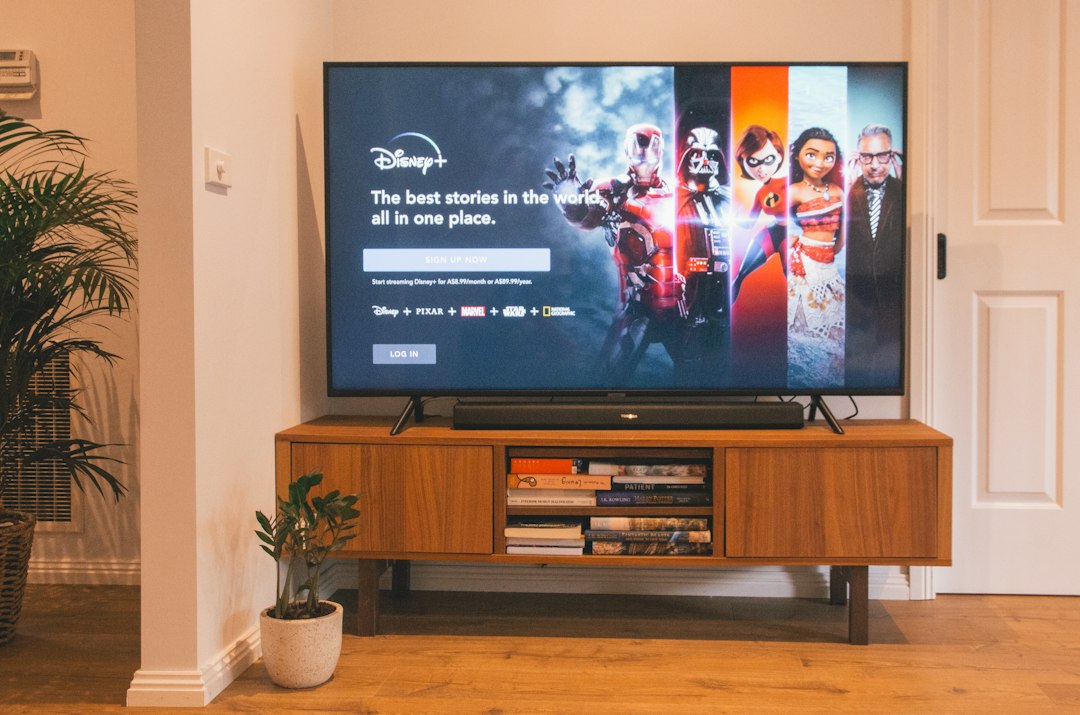
- How to fix IPTV buffering on Smart TV in the UK
- Before You Start Checklist
- 1. Check Your Internet Speed and Connection Type
- 2. Clear App Cache and Manage Device Storage
- 3. Update or Switch Your Streaming Player
- Common IPTV Buffering Mistakes UK Households Make
- When to Contact Your Provider
- Safety and Legal Notes
- Frequently Asked Questions
- Why does my stream only buffer during football matches?
- Will changing my DNS settings stop the freezing?
- How do I know if my TV hardware is too old?
How to fix IPTV buffering on Smart TV in the UK
Experiencing IPTV buffering on Smart TV setups can ruin a Saturday afternoon match or your favourite drama. It usually happens when your internet speed drops, your Wi-Fi signal struggles, or your streaming app gets overloaded with cached data. Fortunately, most UK households can fix these stuttering streams with a few straightforward checks.

Before diving into complicated settings, you need a quick answer. If your screen keeps freezing, restart your router first, switch from Wi-Fi to an Ethernet cable if possible, and clear the cache inside your television app.
Before You Start Checklist
- Check your current broadband speed using an online test tool.
- Make sure your TV’s operating system has the latest software updates installed.
- Locate your router and check for physical obstructions blocking the signal.
- Verify that your streaming subscription is active and your login details are correct.
1. Check Your Internet Speed and Connection Type
Ofcom notes that average UK broadband speeds vary wildly depending on your location and whether you have full fibre or older copper cables. If your connection drops below ten megabits per second, live high-definition video will struggle. Wi-Fi interference from thick brick walls in British homes makes matters worse. Plug an ethernet cable directly from your router into the back of your television to eliminate wireless dropouts entirely. If a wired cable isn’t practical, move your router closer to the living room or use a reliable mesh network.
2. Clear App Cache and Manage Device Storage
Smart TVs have surprisingly small amounts of internal storage. When your television runs out of space, apps slow down and streams start lagging. Samsung and LG operating systems store temporary data that builds up over months of daily use. Go to your TV settings, find the apps menu, locate your chosen player, and clear its cache. If problems persist, you might need to check out our guide on how to delete IPTV playlist on Smart TV to free up memory and start fresh with a clean installation.
3. Update or Switch Your Streaming Player
Outdated software causes compatibility issues with modern broadcast streams. Visit your TV’s app store and install any pending updates for your media player. Sometimes, the built-in software on older Samsung or LG models simply lacks the muscle to decode heavy video feeds smoothly. When this happens, switching to an external streaming stick changes everything. If you notice persistent stuttering during peak evening hours, you can learn how to fix buffering on Firestick IPTV player if you decide to use an Amazon device instead of your built-in television smart hub.
Common IPTV Buffering Mistakes UK Households Make
Many people blame their broadband provider when the real culprit is poor home network management. Running multiple heavy downloads in the background while trying to stream live television drains your bandwidth. Another frequent error involves ignoring router firmware updates. Restarting your router once a week clears out memory leaks and keeps your local network running at peak performance.
When to Contact Your Provider
If your broadband speed tests high, your ethernet cable is plugged in firmly, and your app cache is completely clear, the issue might not be on your end. Sometimes, streaming servers experience heavy traffic congestion during major televised sporting events. Reach out to your service provider if the freezing happens exclusively on specific channels or during peak evening hours every single day. They can check for routing issues or server downtime affecting UK subscribers.
Safety and Legal Notes
Always use official, authorised apps downloaded directly from your television manufacturer’s official app store. Avoid sideloading unknown files from unverified websites, as these files often contain security vulnerabilities or malware that can compromise your home network. This guide is for informational purposes only and assumes you are using legal, licensed broadcasting services.
Frequently Asked Questions
Why does my stream only buffer during football matches?
Live sports draw massive concurrent viewer numbers across the UK. This sudden surge in demand can overload streaming servers, causing temporary freezes even on fast broadband connections.
Will changing my DNS settings stop the freezing?
Switching to a faster public DNS provider like Cloudflare or Google can sometimes speed up connection times to video servers, but it won’t fix underlying Wi-Fi or broadband speed bottlenecks.
How do I know if my TV hardware is too old?
If menus feel sluggish, apps crash frequently, and clearing the cache doesn’t help, your television’s processor likely struggles to decode modern video codecs in real-time.
For more information, iptv.
Related reading
- Decoding Bitrates: What Your IPTV UK Setup Really Needs for Live Sports
- Choosing the Right Smart TV IPTV Players for Your Living Room Setup
Update: Best IPTV devices for UK users
Update: Best IPTV subscription in the UK


