- Before You Start Checklist
- Step-by-Step IPTV Buffering Troubleshooting Guide
- 1. Check Your Home Broadband Speed
- 2. Switch From Wi-Fi to Ethernet
- 3. Clear App Cache and Storage
- 4. Change Your DNS Settings
- Common Mistakes to Avoid
- When to Contact Your Provider
- Frequently Asked Questions
- Why does my stream only buffer during weekend football matches?
- Does clearing the app cache delete my playlist?
When live football or your favourite drama constantly stutters, watching live television becomes intensely frustrating. If your screen keeps freezing mid-stream, you need to troubleshoot your setup before the next big match kicks off. IPTV buffering UK issues usually stem from local network congestion, outdated app software, or temporary server strain from your provider. Let us look at how you can diagnose and fix these playback problems on your living room television.

Before you start tinkering with settings, a quick reality check helps. Sometimes the issue lies entirely with the broadcaster or content delivery network, meaning no amount of button-mashing on your remote will help. But if it happens every evening during peak hours, your home setup is usually the prime suspect.
Before You Start Checklist
- Note down the exact time the freezing happens to spot patterns.
- Check if the problem affects all channels or just one specific feed.
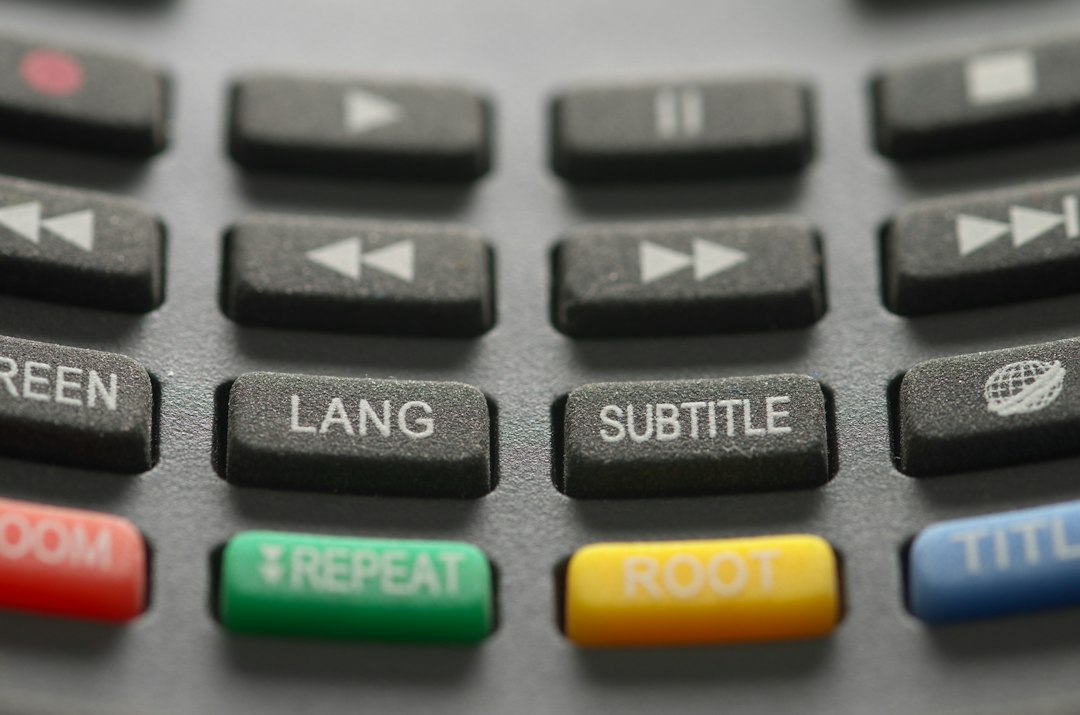
- Locate your home router and TV remote control.
- Ensure your TV is close enough to your Wi-Fi router for a strong signal.
Step-by-Step IPTV Buffering Troubleshooting Guide
Work through these concrete steps in order to clear up video stuttering on your Samsung, LG, or Android television.
1. Check Your Home Broadband Speed
Live high-definition streaming demands a stable internet connection. Run a quick speed test on another device connected to the same network. If your download speed drops below 25 megabits per second, high-definition streams will struggle. You can check your home broadband speed before streaming Premier League live streams to see if your internet service provider is throttling your connection during busy evenings.
2. Switch From Wi-Fi to Ethernet
Wireless interference ruins many a viewing session. Thick walls, microwave ovens, and neighbouring routers all disrupt Wi-Fi signals. Plug an Ethernet cable straight from your router into the back of your Smart TV if your model has a port. A wired connection almost always eliminates random dropouts and lowers ping times significantly.
3. Clear App Cache and Storage
Smart TVs often run low on internal memory, which causes apps to stutter and crash. Go into your television settings menu, find your installed media player application, and clear its temporary cache files. Do not worry; this will not delete your active subscription details, but it will give the software a fresh start.
4. Change Your DNS Settings
Internet Service Providers sometimes route video traffic inefficiently. Log into your router settings or adjust the network configuration directly on your TV to use a public DNS service like Cloudflare or Google. This simple tweak often improves route stability when connecting to remote media servers.
Common Mistakes to Avoid
Many viewers make the mistake of constantly reinstalling their entire application without checking their internet connection first. Others keep their TV connected to a congested 2.4GHz Wi-Fi band when a 5GHz band is available. Avoid overloading your local network with heavy downloads while trying to watch live television.
When to Contact Your Provider
If you have tested a wired connection, cleared your app cache, and verified your broadband speed is fast, the bottleneck is likely outside your house. Contact your subscription provider if specific streams or entire channel groups refuse to play smoothly. Ask them if they are experiencing server maintenance or capacity limits in your region.
Frequently Asked Questions
Why does my stream only buffer during weekend football matches?
Massive viewer numbers put heavy strain on content delivery servers worldwide. When thousands of people tune into the same live event simultaneously, even robust networks experience temporary slowdowns.
Does clearing the app cache delete my playlist?
Clearing the cache only removes temporary files. However, clearing the app data entirely will wipe your settings, so keep your login credentials handy just in case.
For more information, iptv.
Related reading
Update: Amazon Fire TV Stick vs Apple TV 4K: Choosing Your UK IPTV Device
Update: Choosing Between Dedicated Streaming Apps and IPTV Services for Live Football in the UK