- Firestick vs Android TV Boxes for IPTV UK: Hardware Showdown
- Amazon Firestick: The Budget Choice for UK Viewers
- Performance and Storage Limits
- Dedicated Android TV Boxes: Power and Flexibility
- Ethernet Ports and Stability
- Comparing Remote Controls and Daily Usability
- App Compatibility and Ecosystems
- Final Verdict for UK Viewers
Firestick vs Android TV Boxes for IPTV UK: Hardware Showdown
Choosing the right hardware for IPTV UK streaming changes everything. You might stare at a blank screen on a rainy Tuesday evening because your device simply ran out of processing power. Two main contenders dominate British living rooms today. Amazon Firestick units sit plugged into thousands of televisions across the country. Dedicated Android TV boxes sit on media cabinets offering heavier specifications. Which path should you choose?

Hardware limitations frustrate many users. Streaming live television demands consistent processor power and steady memory allocation. A weak streaming stick stutters during peak hours. A robust box handles heavy media streams without breaking a sweat. Let us break down how both options handle British broadcasting demands.
Amazon Firestick: The Budget Choice for UK Viewers
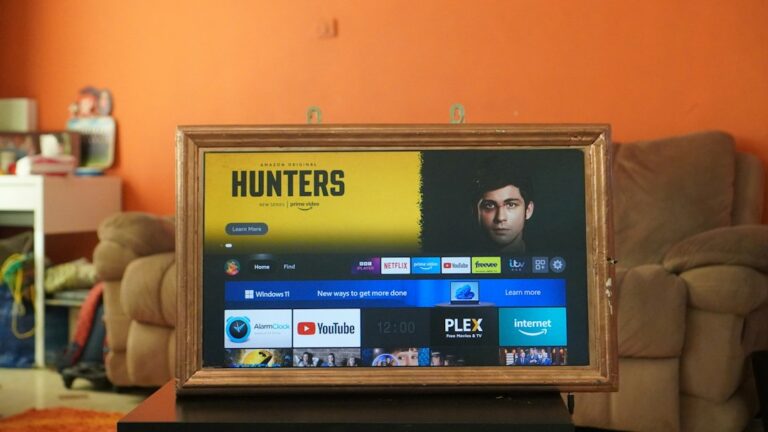
Amazon hardware remains wildly popular in British households. The Fire TV Stick 4K and 4K Max models pack decent specifications into a pocket-sized dongle. They cost very little during regular retail sales. They plug directly into an HDMI port behind your television. Power comes through a standard USB cable.
Setup takes minutes. You log in with an Amazon account, download your preferred media player from the app store, and input your login details. Millions of people use this exact route for their daily entertainment. Portability is a massive bonus. You can pack a Firestick into your holiday bag and stream from a hotel room.
Performance and Storage Limits
Storage space remains a persistent headache on standard Firesticks. Operating systems take up a huge chunk of internal memory. You end up clearing caches constantly. If you want to run a detailed electronic programme guide with heavy caching, internal storage fills up fast. You can learn more about managing this space in our guide on Firestick storage management for IPTV users.
Processor throttling happens during long viewing sessions. A Firestick lacks active cooling fans. Warm air builds up inside the tiny plastic casing. Performance dips slightly when you watch high-bitrate live streams for hours. Most casual viewers won’t notice this stutter. Power users certainly will.
Dedicated Android TV Boxes: Power and Flexibility
Dedicated Android TV boxes take a completely different approach. Devices like the Formuler series or Nvidia Shield operate like mini-computers. They sit on your shelf with a proper power supply and multiple ports. They run full Android TV or certified operating systems designed specifically for large screens.
Processing power outclasses any streaming stick. Quad-core processors and generous RAM allocations make menu navigation lightning fast. Switching between live channels happens instantly. You don’t experience the sluggish lag that affects cheaper hardware when your playlist grows too large.
Ethernet Ports and Stability
Wi-Fi signals in British homes suffer from thick brick walls and local interference. Dedicated boxes solve this easily. Almost every proper Android box includes a physical Ethernet port. Plugging straight into your broadband router delivers maximum speed and rock-solid stability.
According to Ofcom broadband research, wired connections consistently outperform wireless setups during peak evening hours. Live sports streaming demands that reliability. A dropped packet on Wi-Fi ruins a crucial moment in a football match. Wired Ethernet virtually eliminates that random buffering.
Comparing Remote Controls and Daily Usability
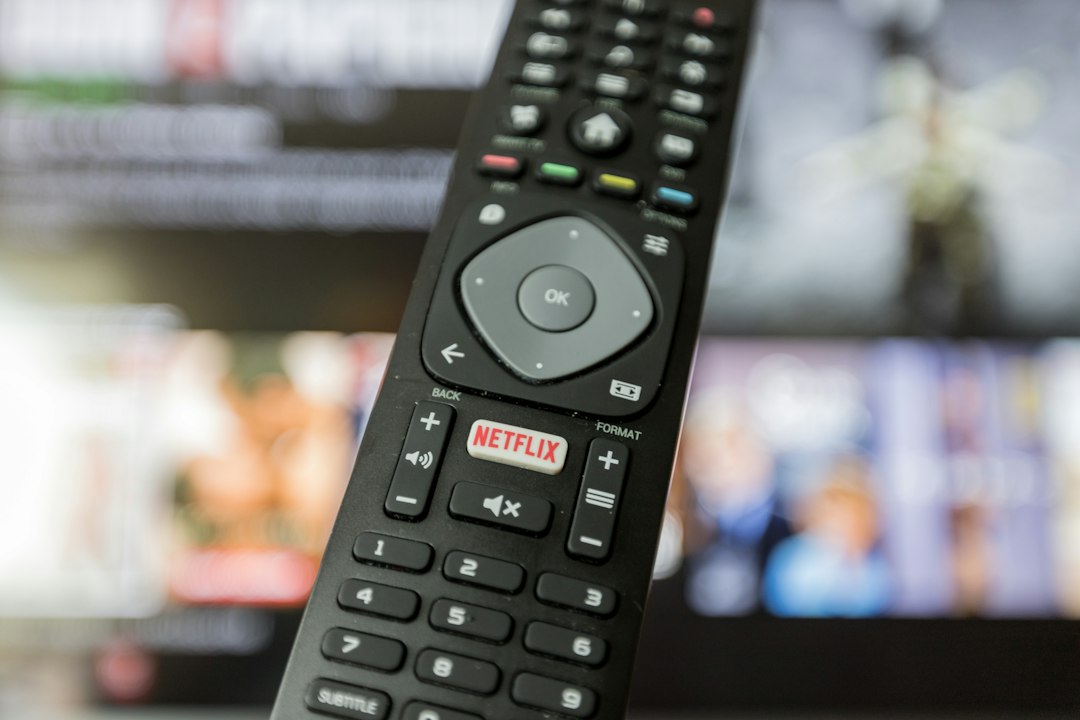
Hardware quality extends beyond the black box itself. The remote control dictates your daily experience. Firesticks use minimalist remotes with very few buttons. Navigating long channel lists requires endless clicking of the directional pad.
Dedicated boxes often ship with feature-rich remotes. Some include numeric keypads. Others feature dedicated shortcut buttons for live TV apps. If you grew up using traditional television remotes, these physical buttons feel much more natural.
| Feature | Amazon Firestick | Android TV Box |
|---|---|---|
| Storage | Very limited (8GB to 16GB) | Expandable via USB / MicroSD |
| Connectivity | Wi-Fi only (requires adapter for Ethernet) | Built-in Gigabit Ethernet port |
| Cooling | Passive cooling | Advanced cooling / heatsink |
| Cost | Inexpensive | Mid-range to premium |
App Compatibility and Ecosystems
Both platforms run major media players like TiviMate and IPTV Smarters Pro. Software support remains strong across both devices. You won’t struggle to find a compatible application for either hardware type.
Side-loading applications feels easier on an Android TV box. File managers run smoothly. Transferring configuration files via USB thumb drives takes seconds. Firesticks require developer mode activation and third-party downloader tools just to install custom apps.
Final Verdict for UK Viewers
Choose an Amazon Firestick if you want a cheap, simple solution for a bedroom television. It handles standard viewing without fuss. It stays out of sight behind your screen.
Invest in a dedicated Android TV box if your main living room setup requires maximum performance. Hardwired Ethernet and superior processing power make a massive difference for heavy streaming. Your live broadcasts remain stable when your home network faces high traffic.
For more information, iptv.
Learn more on Wikipedia: ITV (TV network).
Related reading
Update: Firestick Playlist Backup and Restore: A Step-by-Step Guide for UK Users
Update: Smart TV IPTV EPG Setup: Getting UK TV Guides Working Properly