Why Your Streaming Stick Controller Dies So Fast
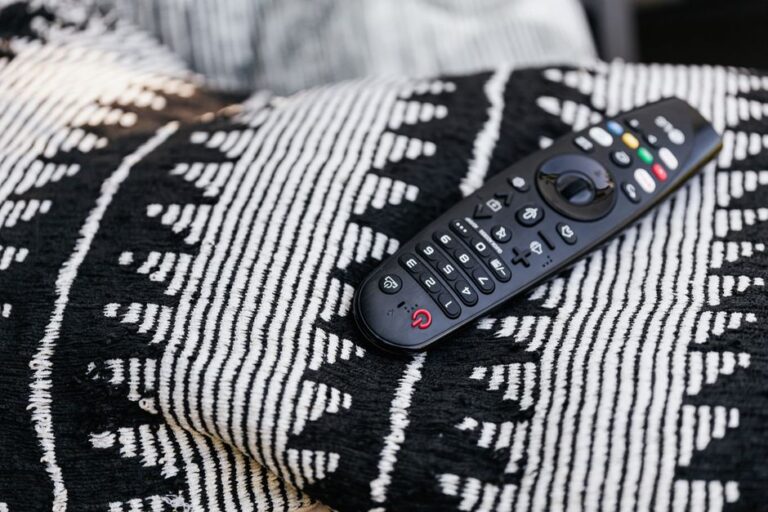
You settle down for an evening of live television, but twenty minutes in, a low power warning flashes on screen. That tiny plastic clicker has chewed through another pair of AAA cells. IPTV apps demand constant input from users. You scroll through massive channel lists, jump across genres, and open program guides every few minutes. That relentless button bashing keeps the Bluetooth radio awake constantly. Instead of sleeping between commands, the remote stays paired and active throughout your viewing session. Standard alkaline cells simply cannot cope with this heavy load.
Switching to Better Power Sources
Stop buying cheap multi-pack batteries from discount shops. They leak acid inside the casing and die quickly under heavy wireless loads. Invest in quality low-discharge rechargeable cells instead. Panasonic Eneloop or IKEA LADDA batteries hold their charge much better over time. They output a steady 1.2 volts reliably. Standard alkalines start at 1.5 volts but drop fast. That voltage drop confuses the internal power management chip inside the controller. The device thinks the power is gone when there is still plenty of life left in a rechargeable cell.
You also need to check the battery contacts inside the compartment. A thin layer of white crust can build up over time. Grab a cotton bud dipped in a tiny drop of isopropyl alcohol and scrub those metal springs gently. Dirt creates resistance. Resistance wastes electrical current as heat. Clean terminals ensure every last milligram of juice flows into the circuit board where it belongs.
Minimising Bluetooth Interference and Wake Lockups
Wireless congestion causes your controller to work harder than necessary. Wi-Fi routers sitting right next to the television interfere with the 2.4GHz Bluetooth band. When packet loss happens, the controller resends signals repeatedly. That background retry loop drains the cells in hours. Move your router slightly further away if possible. Unplugging other nearby wireless gadgets helps too.
Sometimes a button gets physically stuck under the rubber membrane. If a directional pad gets wedged at an angle, the remote transmits a continuous stream of hold commands. The host device stays awake, and the batteries cook. Take the back cover off and press every button firmly to free any jammed components. You can read more about keeping your system running smoothly by checking this guide on Firestick storage management for IPTV users.
Adjusting Your Viewing Habits
Stop leaving your media player running overnight. Even when the screen goes black, background apps keep pulling data and holding active connections. Turn the device off completely using the power menu when you finish watching. If you want a temporary fix while waiting for new cells to arrive, pull the batteries out completely during long movie marathons. You can use your smartphone app as a temporary backup controller via Wi-Fi. That gives your physical clicker a rest and saves power for when you actually need it.
For more information, iptv.
Related reading
- Premier League Matchday Data Usage: How Much Broadband Do Live Streams Actually Eat?
- Understanding IPTV UK: Frequently Asked Questions Answered