- Choosing Legal IPTV Devices UK Buyers Actually Need
- Amazon Fire TV Stick 4K Max and Fire TV Cube
- Apple TV 4K
- Google TV Streamer and Chromecast
- Roku Streaming Stick 4K
- Smart TV Platforms: Samsung Tizen and LG webOS
- Device Comparison Table
- Pros and Cons of Dedicated Streaming Hardware
- Setup Guidance and Compatibility Notes
Choosing Legal IPTV Devices UK Buyers Actually Need
Streaming television over the internet has changed how we watch live channels across the country. But finding the right hardware for legal IPTV devices UK households can rely on isn’t always straightforward. You need a streaming box or stick that handles official applications smoothly, connects to your home broadband without dropping packets, and outputs crisp 4K pictures to your television. Legality depends entirely on the service provider holding proper broadcast rights, while the hardware itself is just a tool to run licensed apps.

We will break down the top streaming hardware available in the UK right now. We will look at operating systems, app availability, and everyday performance so you can make an informed choice.
Amazon Fire TV Stick 4K Max and Fire TV Cube
Amazon’s Fire TV lineup dominates living rooms across the UK. The Fire TV Stick 4K Max runs Fire OS, which is built on Android. App availability is massive, covering every major UK broadcaster and licensed streaming service. Performance is snappy, and Wi-Fi 6E support keeps live streams stable if your router is in another room. If you want a more robust setup, the Fire TV Cube adds an Ethernet port directly into the box, skipping Wi-Fi dropouts entirely.
Remote control quality is solid, featuring dedicated buttons for popular apps and reliable Alexa voice control. Storage is modest at 16GB on newer models, but it’s plenty for official apps. If an app freezes, you can easily clear your app cache on Android TV or Fire OS devices to get things running smoothly again.
Apple TV 4K
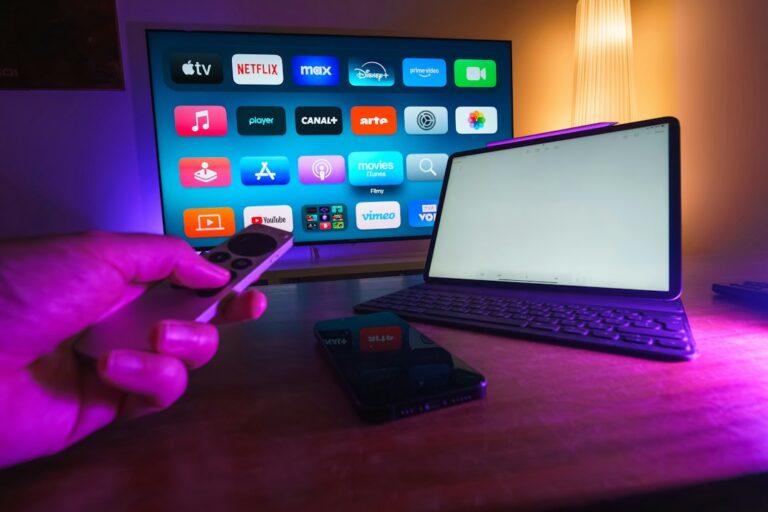
If you live inside the Apple ecosystem, the Apple TV 4K is hard to beat. tvOS offers a clean, ad-free interface that puts your content front and centre. It supports Dolby Vision, HDR10+, and Dolby Atmos audio. Performance is powered by high-end mobile silicon, meaning apps open instantly and live feeds never stutter.
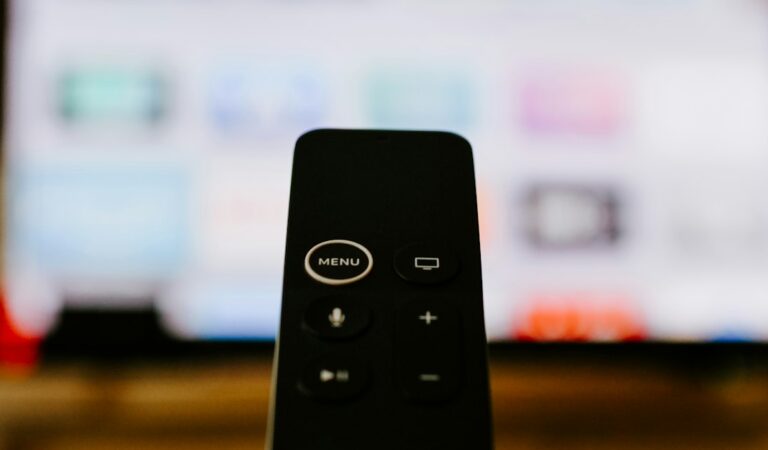
The Siri Remote is a premium aluminium design with a touch-enabled clickpad. You get a choice of 64GB or 128GB of storage. The top-tier model also includes a Gigabit Ethernet port alongside Wi-Fi 6. Setup is wonderfully simple if you own an iPhone, as your Wi-Fi credentials transfer over automatically. Parental controls are robust, and privacy standards are among the strictest in the industry.
Google TV Streamer and Chromecast
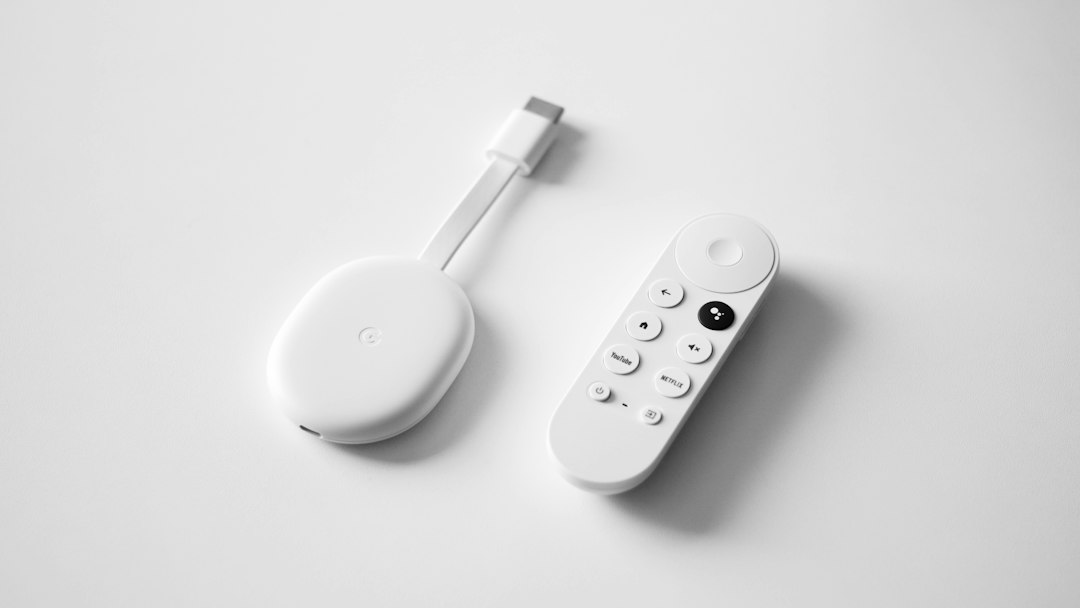
Google TV replaced traditional Chromecast dongles with a dedicated set-top box approach. The interface aggregates content from multiple licensed apps neatly on your home screen. Android TV forms the backbone here, meaning you have access to the Google Play Store for all official streaming applications.
Voice control via Google Assistant works well through the included remote. The box includes an Ethernet port, which helps avoid local network congestion during peak viewing hours. 4K HDR support is standard, and setup takes just a few minutes using the Google Home app on your phone. For more details on how network speed impacts your viewing, check out our guide on evaluating internet speeds for legal sports IPTV UK.
Roku Streaming Stick 4K
Roku remains a favourite for simplicity. Roku OS avoids pushing any specific ecosystem, giving you a neutral grid of tiles for your apps. The remote is lightweight and straightforward, though it lacks advanced backlighting. App availability for UK catch-up services and licensed IPTV apps is comprehensive.
Wi-Fi performance is reliable thanks to a long-range receiver built into the power cable. However, Roku devices do not offer a built-in Ethernet port, so you rely entirely on your wireless network. Storage management happens automatically in the background, requiring zero user intervention. Parental controls let you lock content by ratings easily.
Smart TV Platforms: Samsung Tizen and LG webOS
Buying a standalone box isn’t always necessary if your television runs a modern smart platform. Samsung uses Tizen, while LG relies on webOS. Both operating systems feature built-in app stores loaded with official UK TV apps and licensed streaming services.
Performance varies based on your TV’s internal processor. Budget models can feel sluggish when switching between heavy live streams, while flagship OLEDs handle everything effortlessly. Wi-Fi and Ethernet options depend on the specific television model. If your smart TV starts lagging during live playback, you might need a UK smart TV IPTV app freezing troubleshooting guide to clear out temporary bugs.
Device Comparison Table
| Device | OS | 4K Support | Ethernet | Approx. Price (UK) |
|---|---|---|---|---|
| Amazon Fire TV Stick 4K Max | Fire OS | Yes (Dolby Vision) | No (Adapter required) | £70 |
| Apple TV 4K (Wi-Fi + Ethernet) | tvOS | Yes (Dolby Vision) | Yes (Gigabit) | £149 |
| Google TV Streamer | Android TV | Yes (HDR10+) | Yes | £99 |
| Roku Streaming Stick 4K | Roku OS | Yes (Dolby Vision) | No | £50 |
Pros and Cons of Dedicated Streaming Hardware
Dedicated media players like the Apple TV or Fire Cube generally outperform built-in smart TV software. They receive software updates for longer periods, and replacing a £70 streaming stick is much cheaper than buying a brand-new television when apps stop updating.
On the downside, adding another box to your TV cabinet means extra power cables and remote clutter. Smart TVs keep things tidy, but their operating systems often slow down after a few years of heavy updates.
Setup Guidance and Compatibility Notes
Getting started usually involves plugging the device into an HDMI port, connecting power, and following the on-screen prompts. Never assume that every streaming app works on every piece of hardware. Always check the provider’s official website and your device’s app store to confirm compatibility before purchasing a subscription.
Additionally, ensure your television’s HDMI ports support HDCP 2.2 encryption standards, which are mandatory for streaming protected 4K Ultra HD live broadcasts and premium on-demand content smoothly without triggering unexpected resolution downgrades.
For more information, iptv.
Related reading
- 5 Key Things to Consider When Buying Legal Sports IPTV UK Packages
- Fixing IPTV Freezing and Buffering on Firestick and Smart TVs
Update: How to Choose Legal Sports IPTV UK Packages for Saturday Kickoffs
Update: Choosing Legal IPTV Hardware: A Comprehensive UK Streaming Device Comparison