- The Short Answer on UK Bandwidth Requirements
- Before You Start Checklist
- How Different Stream Qualities Affect Your Connection
- Step-by-Step Troubleshooting for Slow Streams
- Common Mistakes to Avoid
- When to Contact Your Internet Provider
- Safety and Legal Notes
- Frequently Asked Questions
- Does upload speed matter for IPTV?
- Why does my speed drop at 8 PM?
- Is Wi-Fi enough for 4K streaming?
You hit play on a live football match, but the screen freezes right as the ball heads toward the goal. Frustrating moments like this usually trace back to your connection. Finding the right internet speed for IPTV stops the endless buffering wheels on your Firestick or Smart TV. Standard definition needs very little bandwidth. High definition and 4K broadcasts demand a lot more data every second.
The Short Answer on UK Bandwidth Requirements
Most UK households need a steady download rate of at least 15 Mbps to stream standard HD channels reliably. If you watch Ultra HD or 4K content, aim for 30 Mbps or higher. Real-world performance depends heavily on Wi-Fi interference and how many devices share your broadband.
Before You Start Checklist
- Run a speed test using a device connected to the same network.
- Check your current broadband package details with your provider.
- Turn off large downloads or console updates running in the background.
- Restart both your router and your streaming player.
How Different Stream Qualities Affect Your Connection
SD streams require roughly 5 to 8 Mbps. That works fine on basic ADSL lines. Most UK streets now have fibre access, which easily clears that hurdle.
HD feeds need 10 to 15 Mbps. If multiple people stream video at once, your total household bandwidth drops fast. A 30 Mbps FTTC connection handles single HD feeds well, but peak evening hours can cause slowdowns.
4K broadcasts push past 25 Mbps. Fibre to the Premises (FTTP) handles these heavy data loads without breaking a sweat.
Step-by-Step Troubleshooting for Slow Streams
- Run a speed test on your TV or Firestick using a diagnostic app.
- Unplug your broadband router for thirty seconds, then plug it back in.
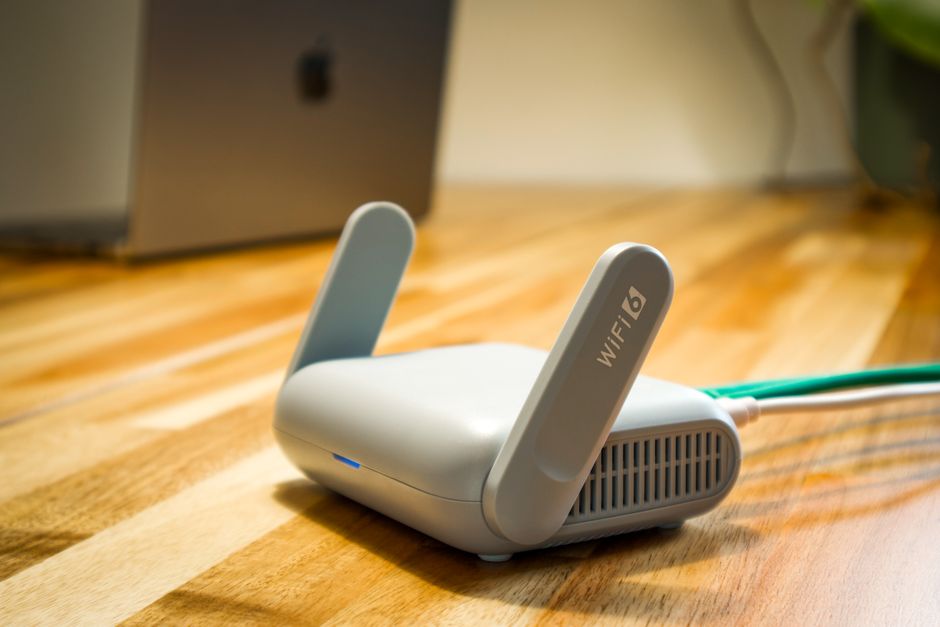
- Move your streaming device closer to the Wi-Fi router to cut down interference.
- Switch to an Ethernet cable if wireless signals keep dropping.
- Clear cached data inside your IPTV application storage.
Common Mistakes to Avoid
Many users rely on old copper wire broadband packages while trying to stream multiple HD channels simultaneously. Another common error involves placing wireless routers behind thick media units or near kitchen appliances, which weakens the signal instantly. Don’t assume your advertised broadband speed matches what actually reaches your living room socket.
When to Contact Your Internet Provider
If speed tests show numbers far below what you pay for, call your broadband supplier. Faulty external lines, degraded master sockets, or exchange congestion often require an engineer visit. Your IPTV provider cannot fix bad local line speeds.
Safety and Legal Notes
Always use official, licensed streaming applications and authorised broadband packages. This guide covers technical performance diagnostics for legitimate network setups only.
Frequently Asked Questions
Does upload speed matter for IPTV?
Not really. IPTV relies almost entirely on download bandwidth.
Why does my speed drop at 8 PM?
Neighbourhood network congestion causes slowdowns during peak evening hours.
Is Wi-Fi enough for 4K streaming?
Sometimes, but a wired Ethernet connection provides better stability.
For more information, iptv.