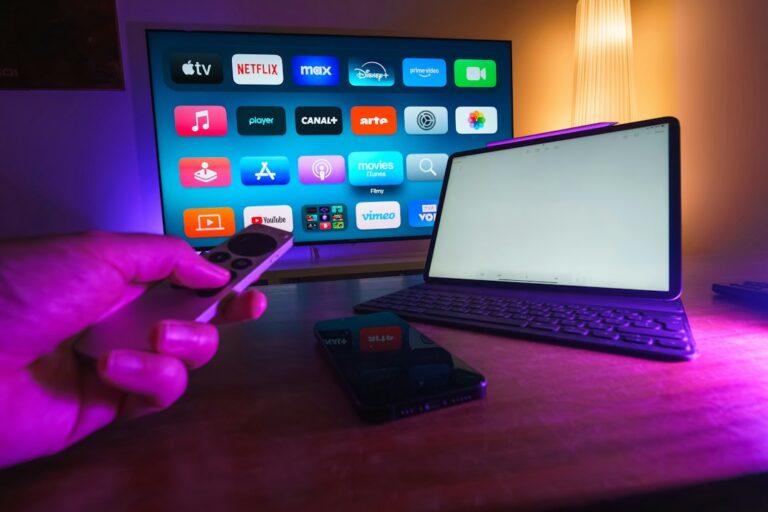
Getting IPTV Smarters working directly on your modern Samsung or LG living room display saves you from cluttering shelves with extra streaming boxes. You don’t need a degree in network engineering to pull this off, but you do need patience while punching in long playlist URLs using a standard TV remote. Let’s walk through the actual setup process from scratch.

Checking App Store Availability on Tizen and webOS
Samsung runs Tizen OS while LG relies on webOS. Open up your TV’s native app store first. Search for the app using the on-screen keyboard. Sometimes regional app store restrictions mean the app hides under a slightly different developer name or requires changing your account region. If the app isn’t listed directly in your store, you’ll need to look at alternative playlist players supported by your TV’s operating system.
Installing and Launching the App
Highlight the application tile once you find it. Hit download or install. Give it a minute to finish downloading onto your internal storage. Launch the app straight away. You’ll see a privacy policy agreement screen pop up. Accept the terms to reach the main login dashboard. Take a breath because typing long details with a physical remote gets tedious fast.
Logging In with Your Playlist Details
You have a few choices for connecting your provider details. Most people use Xtream Codes API login because it requires fewer characters than a raw M3U link. Enter your username, password, and the server URL provided by your service. Double-check every single character. Typos cause immediate connection failures. Hit the add user button once everything looks correct.
Loading Channels and Setting Up the EPG
The app will start downloading channel lists and electronic programme guide data. This initial sync takes anywhere from thirty seconds to a few minutes depending on your internet speed and the size of the playlist. Once the interface populates, check your TV guide layout. You can also explore common mistakes households make during setup if channels fail to appear properly.
Tweaking Stream Settings for UK Broadband
Head straight into the app settings menu. Change the stream format from HLS to MPEGTS if you notice stuttering during live broadcasts. Set your preferred video decoder to hardware acceleration to take pressure off your TV’s processor. Save your changes and test a few live streams to make sure audio syncs up with the picture.
For more information, iptv.
Related reading
- Firestick Black Screen Errors During Live IPTV Playback: Myths and Fixes
- Smart TV Apps vs Streaming Sticks for Premier League Live Streams
Update: Premier League Broadcasting Rights in the UK: How Matches Reach Your Living Room
Update: Firestick Remote Battery Drain: Real Fixes for UK Streaming Setups