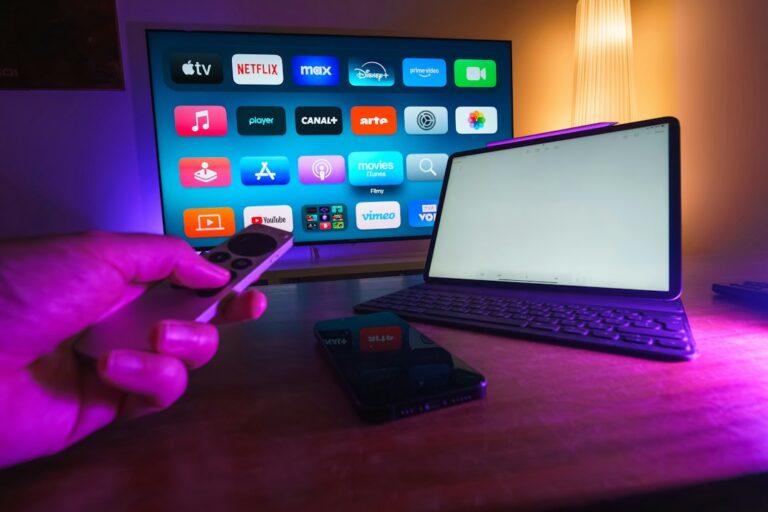
Why do you need to delete IPTV playlist files from your TV?
Old M3U links stack up over time. Your app slows down because it tries to load thousands of dead channels every time you open it. Clearing out junk frees up memory and stops your dashboard from freezing.

Most people just add new lists without removing the old ones. That causes major clutter. You end up scrolling past duplicate sports feeds and broken links just to find BBC One.
How to delete IPTV playlist data on Samsung and LG sets
You won’t find a universal button on your TV remote for this. Every app handles playlist storage differently. If you use a popular player like IPTV Smarters Pro, open the application settings first.
Look for a tab labelled ‘Playlist’ or ‘Users’. You’ll see a list of active profiles or loaded links. Select the one you want gone, then hit the trash can icon or press the red button on your remote.
Confirm the deletion prompt when it pops up. The app wipes the cache and reloads the home screen instantly. If the app keeps crashing before you reach settings, clear the entire app cache through your TV’s main operating system menu.
Sometimes a simple app restart isn’t enough. You might need to delete IPTV playlist credentials directly from the provider’s web portal if you used a MAC address activation method. Log into their management page, unlink your device ID, and force a fresh sync on your television.
Can you delete an IPTV playlist without losing your app settings?
Yes, most modern streaming tools let you wipe individual playlists while keeping your theme preferences and parental controls intact. You just target the specific M3U URL or Xtream Codes login instead of uninstalling the whole program.
If your player acts stubborn, a complete reinstall works wonders. Hold down the app icon on your home screen, choose ‘Remove’, and download it again from the official app store. That gives you a completely clean slate.
For more information, iptv.
Related reading
- How to Fix Firestick IPTV Buffering During Live Matches
- Why Saturday 3 PM Premier League Matches Still Won’t Stream on UK IPTV
Update: Official Broadcasters vs IPTV Apps for Premier League Matchdays
Update: Firestick Playlist Backup and Restore: A Step-by-Step Guide for UK Users