Firestick IPTV Remote Lag Fixes That Actually Work
Pressing volume up and watching nothing happen for five seconds drives anyone mad. When your Firestick IPTV remote lag starts acting up, navigation feels like wading through mud.

Most people blame the physical batteries first. They swap them out. Nothing changes. The real culprit usually hides inside the software layers.
Clearing App Cache and Background Processes
Your streaming stick only packs a tiny amount of memory. When IPTV apps run for hours, cache files pile up. That data weight slows down CPU responses.
Go to your Fire TV settings right now. Find your applications menu. Force stop the heavy streaming players you aren’t currently using. Clear cache files for each one individually.
Bluetooth Interference and Device Pairing
Your living room contains dozens of wireless signals. Wi-Fi routers, soundbars, and smart bulbs crowd the 2.4GHz spectrum. This invisible clutter delays signal transmission between your remote and the stick.
Unplug your Fire TV from the wall socket for one minute. Let the Bluetooth cache wipe clean. Move the streaming stick away from behind your television chassis if possible using an HDMI extender cable.
Remote Factory Reset and Firmware Updates
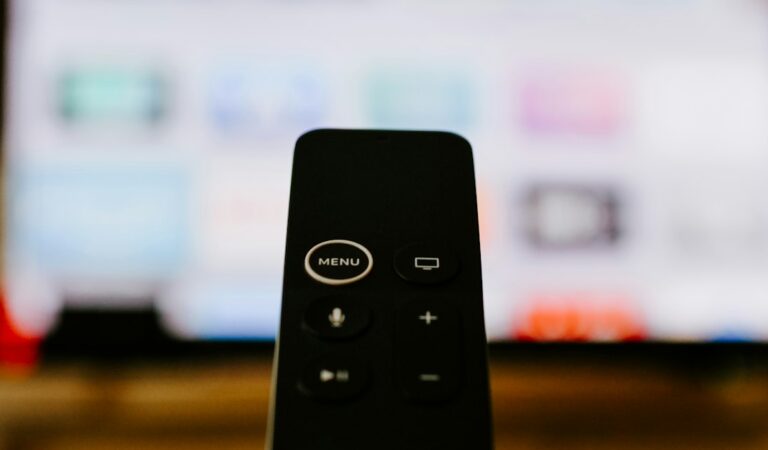
Sometimes the controller firmware gets corrupted. Press and hold specific button combinations to trigger a factory reset on your remote. Re-pair the device to your streaming stick afterward.
Check for system updates in your main settings panel. Amazon frequently patches Bluetooth driver bugs. Keeping your operating system current solves mysterious input delays permanently.
For more information, iptv.
Related reading
- TiviMate vs IPTV Smarters Pro: Which Player Wins for UK Matchdays?
- Smart TV Built-in Apps vs. Streaming Sticks: What Works Best for IPTV UK?
Update: Broadband Connections and IPTV UK: 6 Factors Affecting Your Home Setup
Update: Why Saturday 3 PM Premier League Matches Still Won't Stream on UK IPTV