Smart TV Built-in Apps vs. Streaming Sticks: What Works Best for IPTV UK?
Choosing the right hardware changes how you experience IPTV UK broadcasts at home. Many viewers plug straight into their television’s native operating system. Others prefer plugging a compact media player into an HDMI port. Both methods work, but they handle live feeds and electronic programme guides quite differently.

Hardware choice dictates everything from channel loading times to interface fluidity. Let us examine how built-in television software stacks up against dedicated media streamers so you can pick the right path for your living room.
The Case for Built-In Smart TV Apps
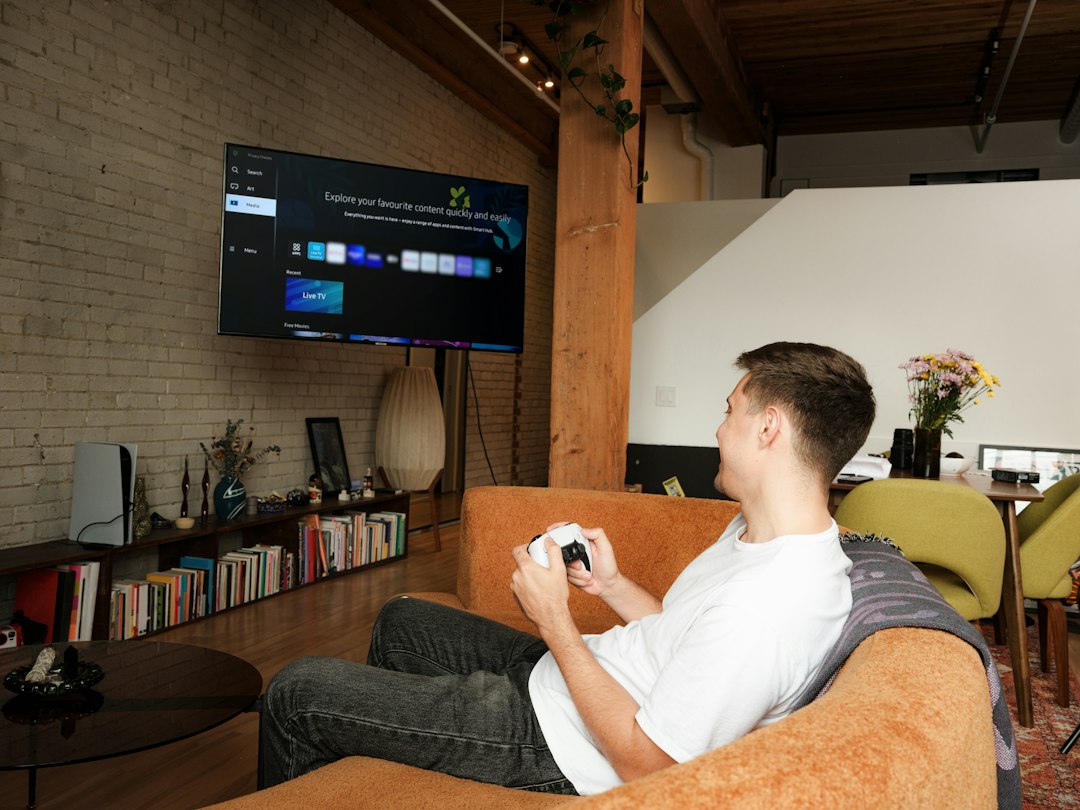
Using your television’s native store sounds simple. You turn on the screen, open the app menu, and download a compatible player. This approach cuts out extra cables, power plugs, and clutter behind your unit. You also keep your HDMI ports free for games consoles and soundbars.
However, manufacturers use different operating systems. Samsung relies on Tizen, LG uses webOS, and many budget sets run Android TV or Google TV. Finding reliable built-in IPTV player support across different manufacturers can take time because app stores have strict publishing rules.
Older television sets often struggle with heavy video codecs. Processors inside mid-range screens frequently lack the horsepower to cache live streams smoothly during peak evening hours. If your screen is more than three years old, software updates might stop arriving altogether.
Why Dedicated Streaming Sticks Dominate IPTV UK Setups
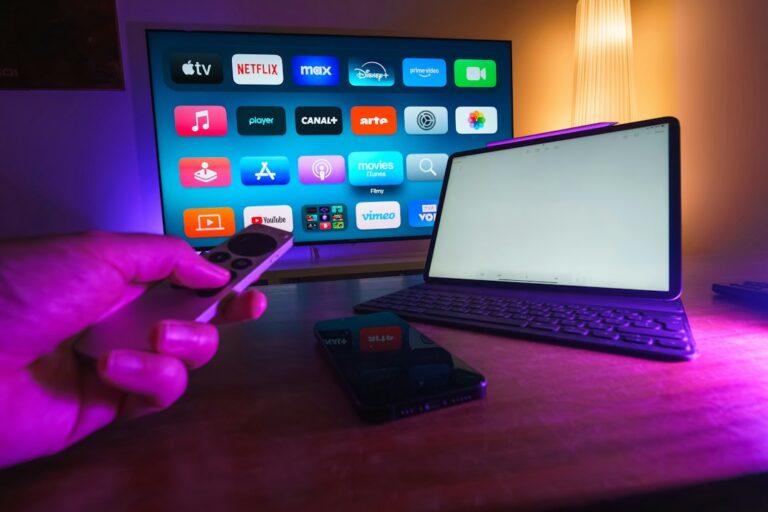
Amazon Firesticks and Google TV dongles shift the heavy lifting away from your main screen. These pocket-sized devices run dedicated mobile processors built specifically for media playback. Because they update their software regularly, compatibility issues happen less often.
Storage capacity on a streaming stick usually beats what basic televisions offer. Live channel playlists require space for caching data and storing programme guide metadata. A dedicated device handles these background tasks without freezing your main display menu.
Travelling with your setup becomes effortless too. You can unplug the stick from your living room wall and slot it into a bedroom television or take it on holiday. Try doing that with a fifty-inch wall-mounted screen.
Performance, Storage, and Long-Term Support
Internet television demands stable processing power. When local broadband speeds fluctuate during weekend football matches, your hardware needs to react fast. Streaming sticks generally feature dual-band Wi-Fi chips that hold onto a wireless signal better than the basic internal network cards found in cheaper television models.
App availability also tilts the scale. Sideloading custom applications is straightforward on Android-based sticks. Smart TV platforms lock down their systems tightly, making it much harder to install alternative media players if your preferred option vanishes from the official app store.
Security updates deserve a quick mention. Consumer electronics companies drop support for television models faster than streaming device manufacturers do. Buying a thirty-pound plug-in stick every few years costs less than replacing a television just because its internal software became too sluggish to run modern video apps.
Final Verdict for UK Viewers
If you want the absolute easiest setup with zero extra hardware, native television apps get the job done for casual viewing. But if you watch live sports daily or demand snappy menu navigation, buying a dedicated media stick is the smarter move.
Performance consistency matters most when streaming high-definition channels. Dedicated hardware delivers a smoother daily experience for anyone relying on internet television services across the country.
For more information, iptv.
Learn more on Wikipedia: ITV (TV network).
Related reading
- Smart TV IPTV Setup Mistakes UK Households Keep Making
- How to Adjust TiviMate Buffer Settings for Smooth Premier League Matches
Update: Firestick IPTV Remote Lag Fixes
Update: M3U URLs vs Xtream Codes API: Which IPTV Setup Method Suits UK Smart TVs?