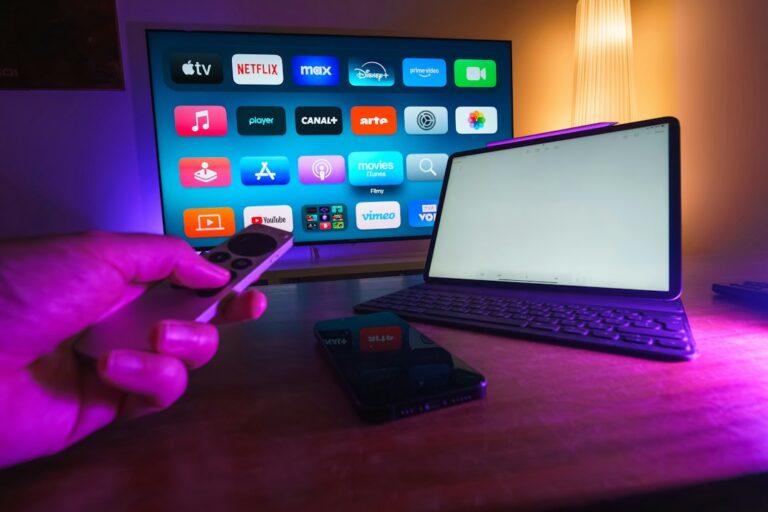
Smart TV IPTV Setup
Most living rooms across the UK now feature a flat-screen connected to broadband, ready for digital streams. Yet, turning on a new app often leads to frustration instead of entertainment. People rush through configuration menus. They skip crucial network checks. Then wonder why live broadcasts stutter during peak evening hours.

Getting your hardware ready requires patience. Let’s break down where things usually go wrong and how you can fix them properly.
Myth: Factory App Stores Always Have the Best Players
You probably opened the built-in app market on your Samsung or LG display first. You searched for a reliable media player and downloaded the top result. That choice often causes endless headaches.
Official stores feature limited selections because of strict platform rules. You might find basic tools, but they often lack advanced buffer controls or dependable playlist parsers. If you want a smoother experience, understanding Smart TV IPTV App Setup options makes a huge difference. Sideloading or using alternative installation paths opens up better software choices.
Problem: Ignoring Local Network Limitations
Wi-Fi interference ruins more streaming sessions than bad playlist links ever will. Your router sits downstairs behind a brick wall. Your television hangs upstairs in the bedroom. Distance kills signal strength.
Wireless signals drop packets constantly. Live television demands a stable, continuous data flow. If you refuse to use an Ethernet cable, at least switch your router to the 5GHz frequency band. Clear out physical obstacles blocking the path. A weak connection guarantees constant loading wheels.
Fact: EGP Refresh Rates Matter More Than You Think
An electronic programme guide looks messy when it fails to load current schedules. Viewers often blame their provider for missing TV guides. Usually, the app cache is simply full.
Smart displays have tight internal storage limits. When an application tries to cache seven days of channel metadata alongside catch-up logs, memory overflows. Clear your app cache regularly. Adjust your update intervals from daily down to every few days. This simple tweak stops memory leaks.
Problem: Entering Playlist URLs Manually with a Remote
Typing a long M3U web address using an on-screen keyboard invites typos. One missing slash breaks the entire connection. People spend twenty minutes retyping characters just to hit another error screen.
Stop doing this the hard way. Most competent media players offer web-based activation portals. You type a short code into your phone or laptop browser. Paste your playlist details there securely. The television syncs instantly without a single typing error.
For more information, iptv.
Related reading
- How to Adjust TiviMate Buffer Settings for Smooth Premier League Matches
- How to Test Your Broadband Speed for IPTV UK Streaming
Update: TiviMate vs IPTV Smarters Pro: Which Player Wins for UK Matchdays?
Update: Firestick IPTV Remote Lag Fixes