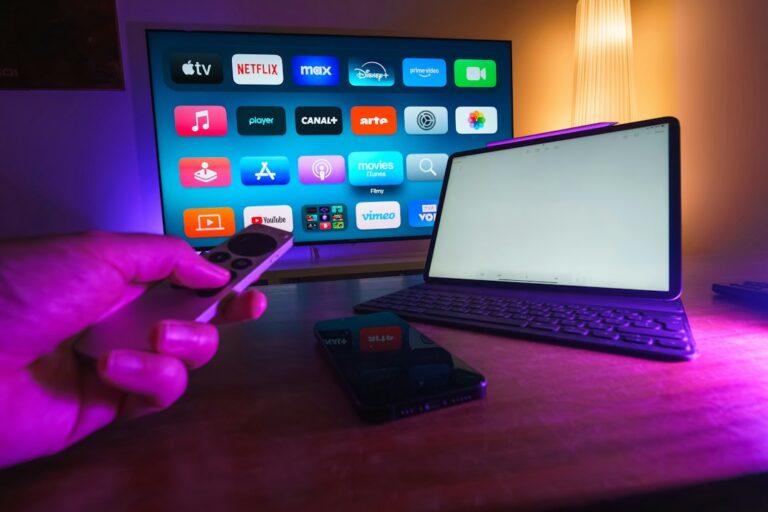
The Three O’Clock Traffic Jam
Kick-off arrives across the UK. Millions of households tune into live football at the exact same minute. Suddenly, the high-definition feed stutters and drops to a blurry mess right as a striker bears down on goal. This frustrating slowdown usually stems from matchday network congestion hitting your local street cabinet or exchange.

It’s not just your house doing this. Entire streets stream the same fixture simultaneously. Local fibre cabinets strain under the sudden upload and download weight. When thousands of people in a single postcode fire up their legal streaming apps or television boxes at once, local capacity hits a wall.
How Local Infrastructure Handles the Surge
Most British homes rely on fibre-to-the-cabinet connections for internet access. The final stretch of copper cable from the green box outside your house to your living room has a finite bandwidth limit. Shared neighbourhood loops get stretched thin when heavy data demand spikes.
Broadcasters deliver feeds through content delivery networks spread across the country. Yet, the final bottleneck always sits between the local exchange and your Wi-Fi router. Before you try any technical fixes, running home broadband speed checks helps establish whether your line actually delivers what you pay for during peak hours.
Ofcom frequently monitors UK broadband performance during major sporting events. Their findings show that peak-time slowdowns affect cable and fibre networks differently depending on the provider. Virgin Media uses a coaxial hybrid network that pools local users together, whereas Openreach-based services on Sky or BT split loads slightly differently through direct fibre runs.
Spotting the Signs of ISP Traffic Management
Internet service providers employ various policies to keep traffic moving. Some older packages featured explicit traffic management during peak evening and weekend slots. Modern fibre deals rarely throttle video streams deliberately, but network strain still mimics deliberate slowdowns.
If your connection crawls only when the football is on, local node saturation is usually the culprit. Your neighbours are pulling heavy data too. The local routing path gets congested because the total demand exceeds physical cable capacity.
Practical Fixes for Your Home Setup
You cannot upgrade the street cabinet yourself. You can, however, optimize your home environment to fight matchday network congestion locally.
Wi-Fi interference ruins more streams than actual internet speed shortages. Microwaves, baby monitors, and thick interior walls disrupt wireless signals easily. Switch your streaming device to an ethernet cable if possible. Wired connections bypass wireless dropouts entirely.
If an ethernet cable isn’t an option, move your streaming box closer to the wireless router. Switch your connection to the 5GHz frequency band instead of 2.4GHz. The 5GHz band handles high-throughput video data much better, provided your device sits in the same room as the router.
Turning off background downloads on other household devices also frees up crucial bandwidth before the match starts. Simple steps like pausing console updates keep your stream running smoothly when local networks groan under heavy football traffic.
For more information, iptv.
Related reading
Update: How to Configure Smart TV IPTV Apps for UK Broadcasting
Update: How to Test Your Broadband Speed for IPTV UK Streaming