IPTV Apps vs Dedicated Set-Top Boxes: A UK Comparison
Living rooms across the country have evolved beyond standard rooftop aerials and satellite dishes. When setting up an IPTV UK configuration, you face a major hardware and software choice early on. Do you download a flexible media player onto an existing streaming stick, or do you buy a dedicated set-top box built specifically for broadcasting? Both approaches handle video streams differently, and your choice impacts everything from channel switching speeds to daily reliability.

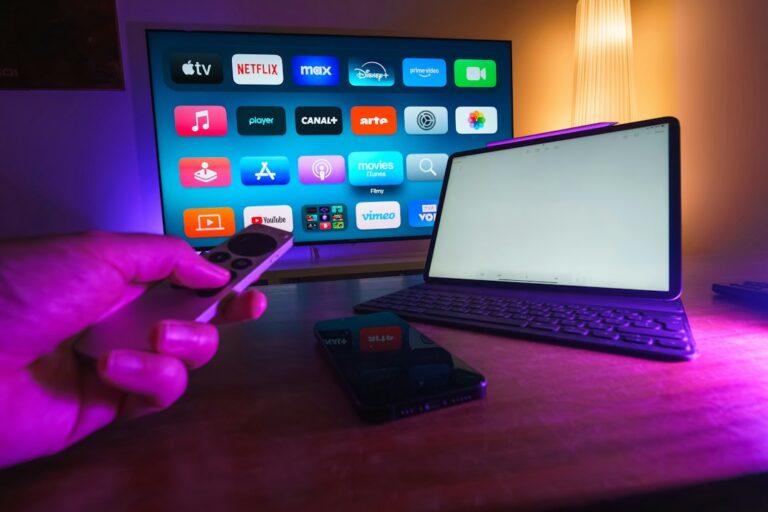
Many households start by downloading apps onto generic streaming devices because it keeps costs low. Amazon Firesticks and Google TV dongles sit behind thousands of televisions nationwide. They run software like TiviMate or IPTV Smarters Pro with ease. You just input your playlist details, let the electronic programme guide load, and start watching. Yet, these pocket-sized gadgets have strict hardware limits. When broadband speeds dip during peak evening hours, cheap streaming sticks often stutter.
Hardware Performance in Modern IPTV UK Setups
Dedicated hardware takes a completely different path. Brands like Formuler and MAG manufacture boxes specifically designed to decode heavy video streams without breaking a sweat. These units usually feature faster processors, dedicated Ethernet ports, and robust cooling systems. An Ethernet connection beats Wi-Fi every single time for live sports broadcasting. You eliminate wireless interference from nearby routers in crowded terraced housing or modern apartments. If you want to learn more about optimising your viewing setup, check out this guide on how to fix Firestick buffering.
Software flexibility swings the pendulum back toward app-based setups. A dedicated box often locks you into proprietary user interfaces or specific firmware updates dictated by the manufacturer. Android-based streaming sticks let you swap media players in seconds if an update breaks your favourite feature. You can install multiple apps, test different video decoders, and customise your layout. Ofcom research frequently highlights how British consumers prefer versatile devices that handle multiple streaming subscriptions under one roof rather than single-purpose hardware.
Navigating Interfaces and Electronic Programme Guides
A smooth television experience relies heavily on a responsive interface. Channel surfing should feel snappy. When using app players on popular streaming hardware, the quality of the electronic programme guide depends entirely on the software developer. Good apps render schedules quickly and support custom XMLTV links without crashing. Understanding how programme metadata populates your screen makes a massive difference, as explained in our detailed breakdown on what an IPTV EPG is and how it works.
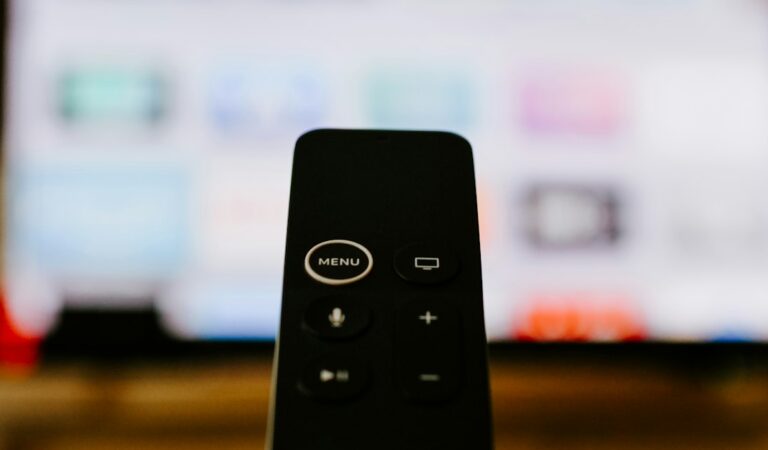
Dedicated set-top boxes often shine with remote control ergonomics. Generic streaming sticks ship with tiny remotes that lack dedicated number pads. Typing out search queries using an on-screen keyboard gets tedious fast. Dedicated hardware units frequently bundle traditional remote controls featuring physical channel numbers and coloured shortcut buttons. Older family members accustomed to Sky or Freeview layouts find physical number buttons much easier to handle than modern minimalist clickers.
Cost and Longevity Considerations
Budget remains a practical factor for most households. Buying a separate Android streaming stick costs very little if you already own one. Dedicated boxes require an upfront hardware investment that can easily exceed fifty pounds. Still, purpose-built hardware often outlasts cheap dongles that slow down after successive operating system updates. Cheaper sticks run out of internal storage quickly when cache files pile up, forcing users to clear space manually every few weeks.
Choosing the right path depends on your technical patience and household needs. If you already own competent streaming hardware and enjoy tweaking app settings, sticking with software players makes total sense. If you hate troubleshooting stuttering streams and want a traditional television feel with a physical number pad, investing in a dedicated box solves those headaches.
For more information, iptv.
Learn more on Wikipedia: ITV (TV network).
Related reading
- ISP-Bundled Television vs Independent IPTV UK Services: A Straightforward Comparison
- How to Schedule Your Weekend for Premier League Live Matches
Update: Sky Sports App vs TNT Sports App: Which Premier League Stream Runs Smoother?